Automation is not the same as AI
Automation means using equipment or software to perform tasks with reduced manual intervention. A conveyor that moves cartons between work areas is automation, even if it follows a fixed route and uses no artificial intelligence. AI refers to methods that can interpret patterns, make predictions or support choices from data. In a warehouse, AI may help allocate tasks, identify items in images or respond to changing work conditions. It can sit alongside automated machinery, but it is not required for every automated task.
That distinction matters when planning a project. A persistent bottleneck might be solved by better slotting, clearer processes or additional conveyor capacity rather than an AI model. Start with the operational task: what moves, where delays occur, what information is available and which decisions need support?
Equipment and information working together
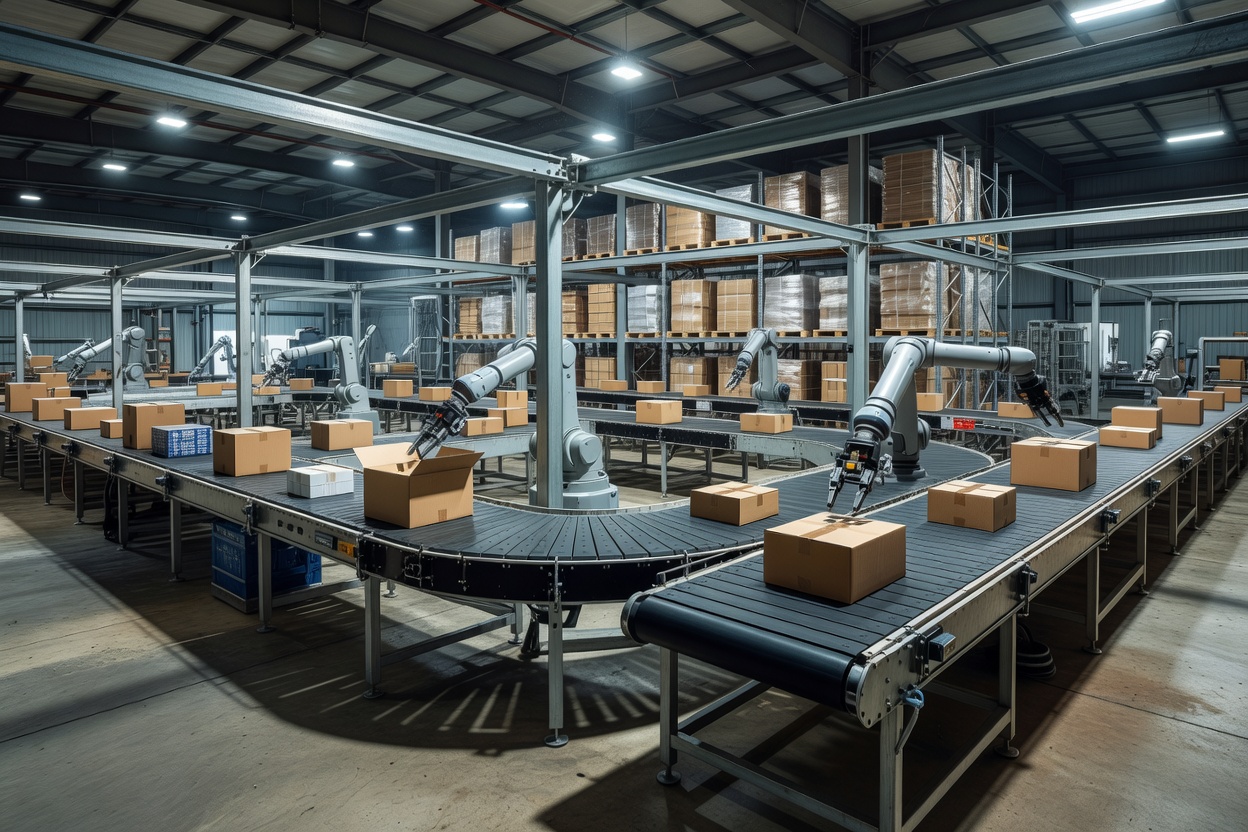
Autonomous mobile robots move goods along planned or adapted paths within a facility. Automated storage and retrieval systems (AS/RS) use machinery to place and retrieve loads from storage locations. Conveyor networks link processes, while robotic picking arms can handle selected items under appropriate conditions. Computer vision—software that interprets images—may help recognise objects or inspect packages. Barcodes, scanners and sensors provide identifiers and status signals that systems can use to track activity.
Equipment depends on a wider software environment. A warehouse management system (WMS) records inventory and directs work. Integration with order, transport and enterprise systems helps keep tasks aligned. Task allocation may decide which order, location or movement should be handled next, while respecting priorities and physical constraints. If systems disagree about where stock is, a robot cannot reason its way around inaccurate inventory records.
Different technologies fit different work. A robot may be useful for repetitive travel between known points; fixed conveyors can work well for predictable flows; manual processes may be more adaptable for unusual items or variable volumes. The combination should reflect product dimensions, order profiles, building layout and expected operating changes.
Human–robot coordination and safety
People remain central to exception handling, quality checks, supervision and work that is difficult to standardise. Human–robot coordination needs clear pathways, interfaces and procedures. Workers should know what a system will do, how to report a fault and who is responsible when an automated process stops or behaves unexpectedly.
Safety requirements must be assessed for the equipment, facility and task. Site-specific risk assessment, manufacturer guidance, training and established safety procedures are essential. Do not bypass guards, safety controls or operating rules to maintain throughput. This guide is educational, not a substitute for competent safety assessment or equipment instructions.
Computer vision can be affected by occlusion, lighting, damaged packaging and unfamiliar objects. Sensors can fail or provide noisy readings. Automated workflows therefore need defined safe states, escalation paths and trained people who can respond to exceptions. Maintenance planning helps avoid treating every stoppage as a surprise.
Benefits, limits and the practical bill
Automation can support consistent movement, reduce some repetitive handling and make it easier to coordinate high-volume flows. Potential benefits depend on the task, implementation and operating environment; they are not guaranteed. A system can also introduce new dependencies, maintenance needs and constraints. Fixed equipment may be less flexible if product mix or building layout changes, while mobile systems may still require suitable floors, charging arrangements and clear operating rules.
Initial investment is only one part of the cost picture. Consider equipment, software licensing, integration, building modifications, network infrastructure, data preparation, training, maintenance and ongoing support. Include operational continuity: how will work continue during planned maintenance, network interruption or equipment failure? Compare options using the costs and risks relevant to your own operation; there is no universal winner.
Integration complexity can be substantial when legacy software, inconsistent item data or several equipment suppliers are involved. Map interfaces and process ownership before committing. Pilot work should test realistic order profiles and exception conditions, not just an impressive demonstration path. Teams need time to learn new roles and build trust in how tasks are allocated.
Design around the work
Begin by observing process flow, travel, congestion, order variation and the causes of rework. Document the inputs required for automation and who maintains them. Make maintenance access, emergency procedures and human work areas part of the design rather than late additions. Decide what the system will do when an item is missing, a label cannot be read or equipment is unavailable.
Measure throughput, completion time, error types, downtime, safety observations and work-in-progress using consistent definitions. Averages alone can hide peak-period congestion or recurring exceptions. Review operational feedback with the people doing the work, and update procedures as the system changes.
Before choosing automation
- Is the underlying process understood and stable enough to automate?
- Which tasks need fixed automation, robotics, AI support or human judgement?
- Are item, location and order records dependable?
- How will equipment integrate with the WMS and other systems?
- Are safety review, training, maintenance and continuity planned?
- Have realistic exceptions and workload peaks been tested?
What to know
Automation moves work through equipment and software; AI may add interpretation or adaptive decision support. Neither removes the need for sound processes, safe operations and human oversight. Choose technology around the job, the facility and the people who will live with it every shift.